

User Experience (UX) is hard. I mean like hard, very hard. Empathy is the core of UX, which is the ability to carefully listen and observe the problem designers try to solve. Listening, in this situation, can’t be simply understood as what you do with your ears, but you need to critically listen by engaging with the subject. You have to take notes, point out aspects, and constantly ask questions. You draw, prototype, test, research, and experience the situation. And you do it repeatedly, by stepping back, exploring other materials, and resuming working on the issue. All to potentially at some points, you reach to or end with a solution that is not obvious, but perfectly make simplest sense to the user (which time will tell how well it works).
Why should we care?
is the biggest question in User Experience
At the same time, while being empathetic, there is a need to stay positive and calm with any “big” problem designers are dealing with. It’s the rare fearlessness, positivity, self-confidence, professionalism and determination to maximize your attitude to approach and tackle from a “big” problem to another. Designers actively engage with the problem while take control of the situation.


That’s my attitude prep for you! Now let’s get into the impact of User Experience on Website Design:
website user experience
anh’s note from reading Key Reasons Why a Great Website User Experience is Essential by Gregor and What Is a Good UX design? by Andrew Chornyy:




A successful website user experience is “the best salesman” for business success in the digital age, impacting brand loyalty, sales revenue, and online presence. Here is some pointers you should keep in mind:
Definition
- Website user experience (UX) is the quality of experience users have when interacting with a website or e-commerce store.
Baseline
- Elements: Value, usability, desirability, accessibility, and credibility
- Goal: Seamless navigation, mobile-friendliness, and alignment with business objectives.
Approach
- Data-Informed Design: Use analytics to optimize website elements and guide UX/UI improvements.
- Audience-Centric Design: Tailor design and content to meet the needs of your target audience, focusing on simplicity and responsiveness.
- Preventing Pitfalls:
- Fast Page Speed: Optimize loading times to retain users and prevent abandonment.
- Simple Navigation: Ensure intuitive navigation to facilitate easy information access.
- Continuous Improvement:
- Feedback Loop: Gather user feedback to identify pain points and areas for enhancement.
- Iterative Process: Continuously refine UX design based on metrics and user insights to maintain relevance and effectiveness.
Element
- Usability & Functionality:
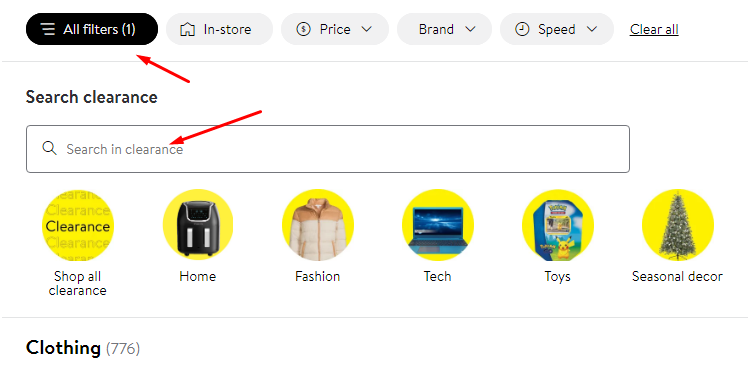
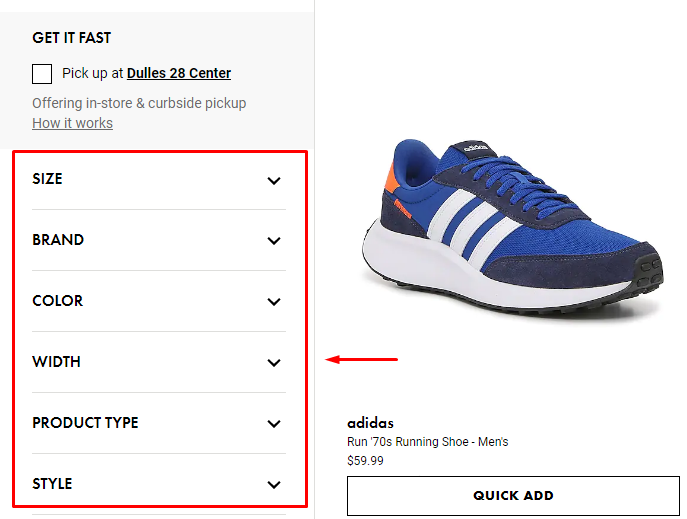
- Website pages must be easy to navigate and feature reliable functionalities like product filtering to meet user objectives efficiently.
- Attractiveness & Searchability:
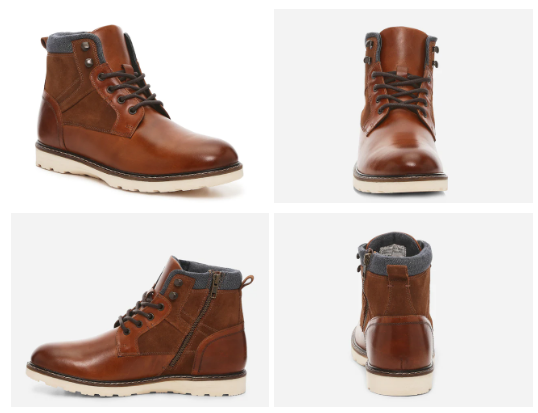
- High-quality visuals and intuitive design contribute to an appealing aesthetic, while easy-to-access search fields and filters enhance product discoverability.
- Accessibility & Credibility:
- Ensuring website reliability during peak traffic periods and incorporating trust indicators like certificates and customer reviews bolster user confidence.
- Continuous Improvement:
- Regularly assess and refine UX design elements based on user feedback and competitor analysis to maintain relevance and effectiveness.
Leave a Reply